
Global Shutter or Rolling Shutter for Your Application?
Compare shutter behaviour using target movement, exposure, illumination and an application-specific test.
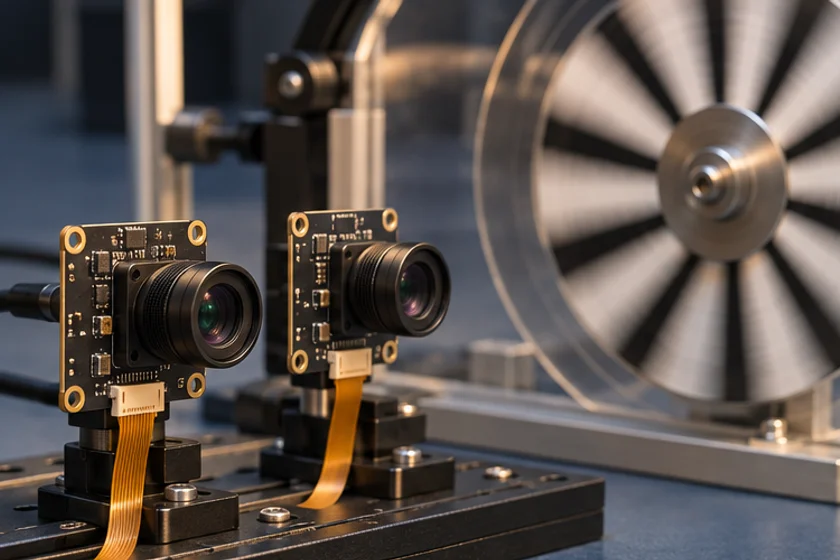
Prepared by Honglan Electronics
Choose shutter behaviour by the motion and measurement requirements of your scene. Global exposure can help preserve the geometry of moving objects, while a rolling shutter may be suitable where movement and illumination permit it. Neither description alone proves image quality, capture speed or compatibility for an entire camera module.
Identify the actual motion problem
Describe both object movement and camera movement. A fixed inspection station viewing a moving belt presents a different problem from a handheld device viewing a stationary label. Record the direction of travel, expected speed, vibration and the smallest geometry that the algorithm must preserve.
List the failure you are trying to prevent. Bent edges, skewed shapes, motion blur and uneven illumination are different defects. Changing shutter type may address one without solving the others. An acceptance test should distinguish shape distortion from blur and from a missed acquisition.
Understand what the shutter label describes
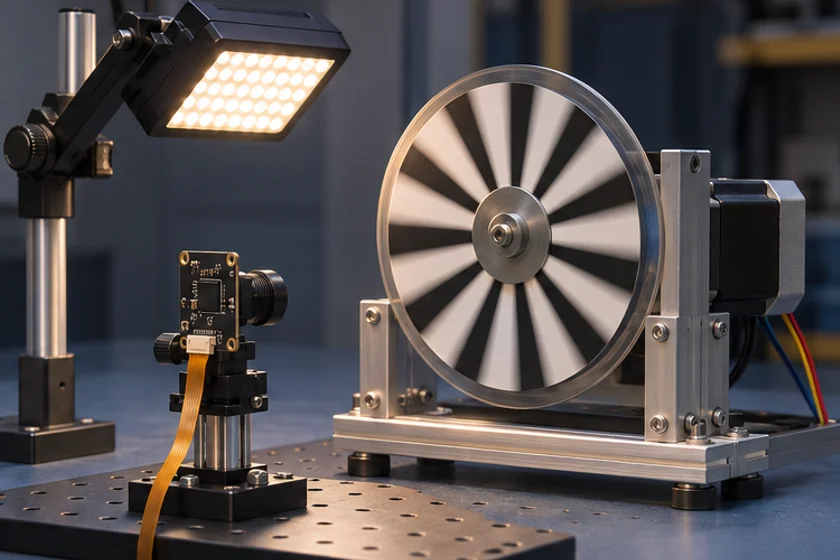
Basler explains the difference between sensors that expose pixels together and sensors whose exposure proceeds across rows. That timing difference matters when the scene changes while an image is formed. It does not mean every global-shutter camera is faster than every rolling-shutter camera.
Exposure duration remains important for both approaches. An object can move during a long global exposure and appear blurred. Use the expected target motion to determine whether the proposed illumination and exposure settings can preserve the detail you need. Request the actual supported exposure range and mode from the module supplier.
Compare real captures rather than categories
Build a target with straight edges and the actual feature of interest. Capture it at representative speeds and orientations. Include the fastest expected motion and the least favourable light level. Evaluate the result with the intended algorithm, not only by visual preference.
Run the same comparison at the output mode you will deploy. Changing resolution, cropping, exposure automation or output processing can change the outcome. Record settings and keep unmodified files. Screenshots embedded in presentations usually discard information needed to diagnose a failure.

Treat lighting and timing as part of the design
Where flash or external triggering is proposed, request a timing diagram and verify the exact implementation. Similar terminology can describe different sensor behaviours. Do not assume that a software capture command represents hardware synchronization or that all modules provide trigger connections.
Test flickering light sources as well as motion. Look for bands, inconsistent brightness and partial illumination. If a flash solution is suggested, establish electrical limits, supported signals and the safe timing window with the relevant hardware documentation before connecting equipment.
Make a purchase decision with a failure budget
Define a pass criterion for target geometry, sharpness and detection reliability. Include difficult but realistic scenes and repeat enough captures to observe intermittent problems. Keep transport errors separate from imaging defects.
For a stationary monitoring application, the result may favour a different balance of cost, optical performance and integration effort than a high-speed measurement task. Document why the selected shutter behaviour suits the application instead of declaring one technology universally superior.
Compare candidates in the product centre, then provide motion examples and a lighting description through contact. Ask engineering to confirm the shutter mode and available timing features for the exact assembly being considered.
Apply this to a camera module
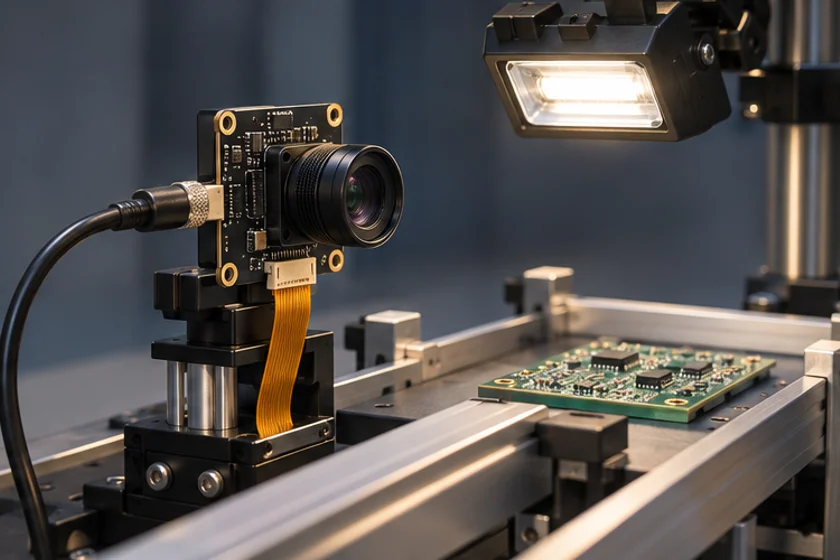
Compare the AR0234 global shutter camera with the IMX415 rolling shutter board using the same moving target and light.
Technical references
- Measure target motion
- Match exposure and light
- Compare distortion and blur
- Decide on acceptance limits
Does global shutter eliminate motion blur?
No. Motion during the exposure can still blur the image; exposure time and illumination must also suit the target.
Can rolling shutter work with moving objects?
Sometimes. Suitability depends on movement, readout behaviour, exposure, lighting and the permitted distortion.