
How to Select a USB Camera Module
Choose a USB camera module by task, streaming mode, optics, host compatibility and integration evidence.
Prepared by Honglan Electronics
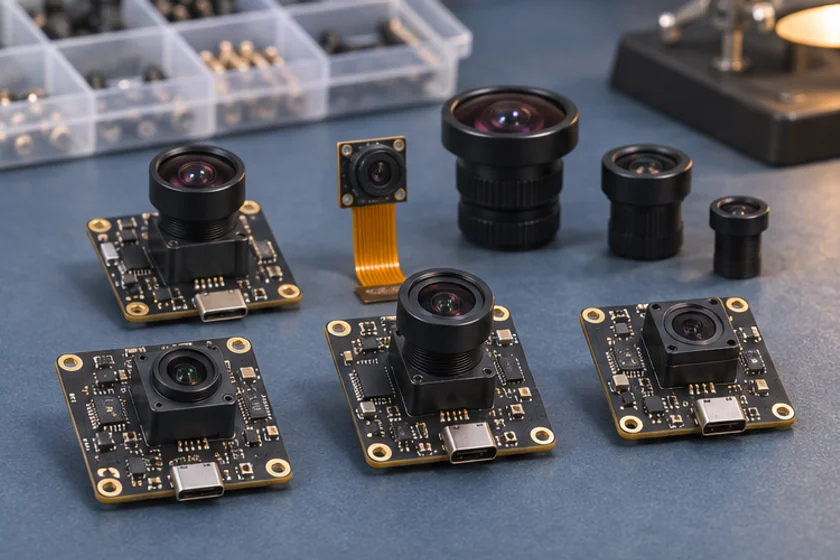
A useful camera shortlist starts with the image your equipment needs to produce. Begin with the smallest feature that must remain visible, the object distance, movement, available light and installation space. Then evaluate the complete module and host together. A sensor name or a headline megapixel value cannot establish whether a particular assembly will meet your application.
Define the decision before comparing modules
Write a one-page requirement with a measurable outcome. For a reading task, specify the target and the permitted failure rate under an agreed test. For monitoring, describe the scene coverage and acceptable delay. Separate mandatory requirements from preferences. This prevents a convenient interface or attractive sample image from distracting the team from a requirement that cannot be changed.
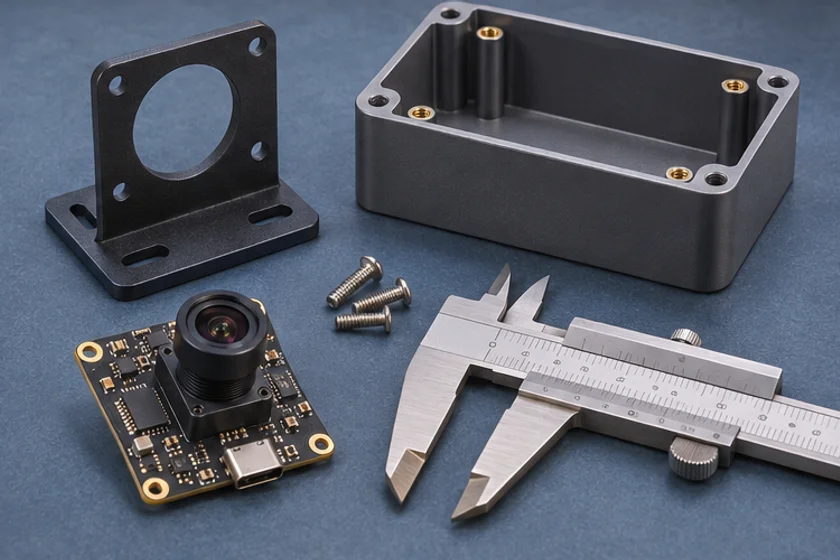
Specify the intended operating system, application framework, USB connector, cable route and power source. State whether the camera shares a host controller with other peripherals. Include mechanical drawings with the lens protrusion and the location of fasteners. The camera board dimensions alone do not describe the space needed by a finished installation.
Compare complete operating modes
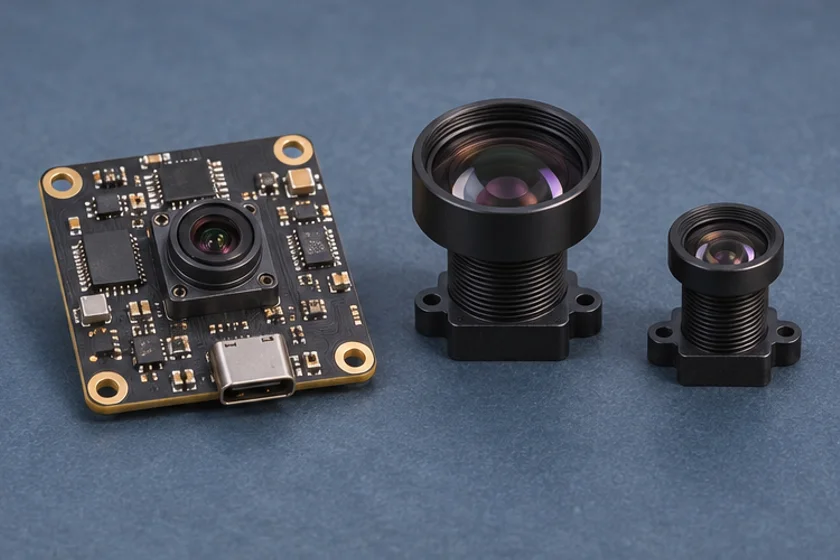
Request a mode table that keeps resolution, frame rate, output format and interface together. For example, a module may expose different combinations for compressed and uncompressed output. Those combinations must remain separate in the quotation and acceptance record. Linux V4L2 explicitly associates frame intervals with a particular pixel format and frame size; that is a useful model for your comparison sheet.
UVC can simplify operating-system integration through a class driver. Microsoft documents its supplied UVC driver for compliant devices. This does not establish that every application exposes every optional control. Test the features your software actually needs rather than treating “driver-free” as a universal compatibility guarantee.
Evaluate optics and assembly
Obtain a sample with the proposed production lens, focus setup, cable and firmware. Measure coverage in the intended enclosure rather than testing only on an open bench. Record the nearest and farthest target distances, corner detail, reflections from a protective window and the effect of actual illumination.
Check that mounting does not load the lens holder or connector. Ask which parts of the assembly are fixed for production and which remain alternatives. A lens substitution can alter the result even when the sensor and output resolution are unchanged.
Build a short acceptance sequence
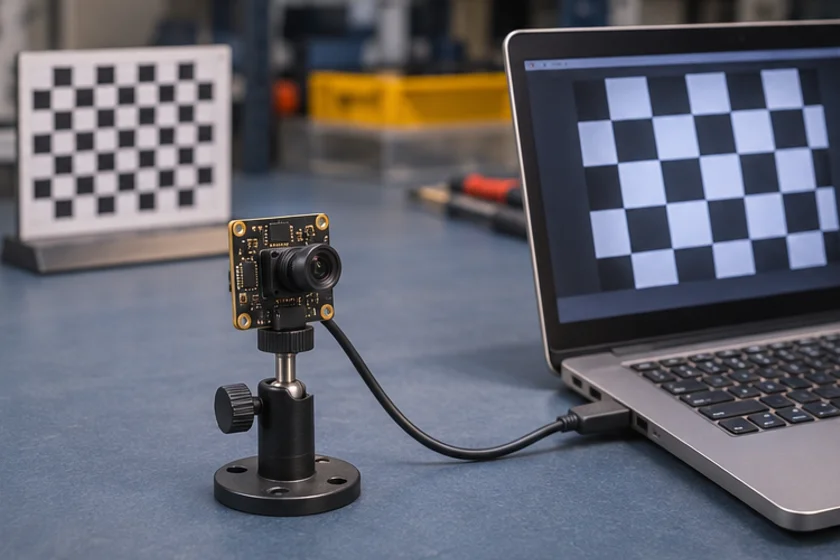
- Confirm the sample identity and firmware revision.
- Enumerate its available modes on the intended host.
- Capture the required mode while other equipment functions are active.
- Evaluate useful target detail, motion and lighting extremes.
- Test restart, reconnect and application recovery.
- Review drawings and download availability before approving the part.
Keep original captures and settings alongside each conclusion. If two candidates fail for different reasons, a documented test makes the next design discussion more productive than a subjective ranking.
Questions to settle before ordering
Does the quote identify the exact lens and cable? Are quantities and delivery conditions confirmed for this revision? Who owns the acceptance test and approves changes? Which documents accompany production units? These questions turn a promising demonstration into a controlled purchase.
Browse the product catalogue to identify candidates, then send your requirement through contact. Ask for confirmation of the exact operating mode and assembly rather than assuming that all listed modules share the same features.
Apply this to a camera module
The IMX415 board camera lists both MJPEG and YUY2 modes. The GC2053 bracketed camera offers a different mechanical layout for a wider scene.
Technical references
- Define target and distance
- Compare complete modes
- Check host and mechanical fit
- Run sample acceptance
Is the highest-resolution module always the best choice?
No. Evaluate useful target detail, required frame rate, lighting, optics and host workload together.
What should accompany a sample request?
Provide the host, application, operating mode, working distance, lighting, mechanical limits and acceptance criteria.