
How to Compare Camera Resolution and Frame Rate
Compare complete capture modes and delivered frames instead of combining unrelated headline specifications.
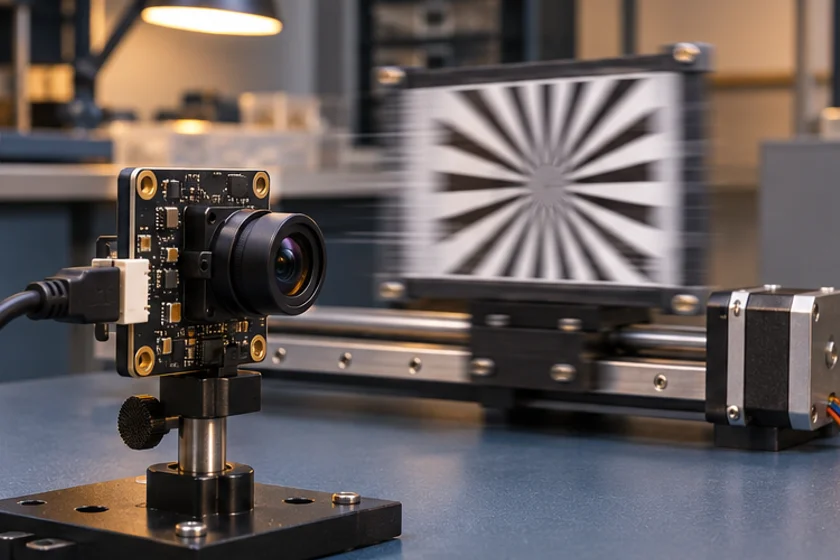
Prepared by Honglan Electronics
Resolution and frame rate must be compared as a single operating mode. A module advertised with a maximum image size and a maximum capture rate may achieve those maxima in different configurations. Procurement documents should identify the exact combination that the equipment will use.
Request a mode matrix
Ask for width, height, output pixel format, frame interval, interface and any crop or binning conditions on the same row. Keep compressed and uncompressed modes separate. Identify whether the listed rate is sensor output, transmitted video or a rate measured by an application.
Linux V4L2 represents available frame intervals for a specified pixel format and frame size. This is an appropriate way to structure a platform-independent acceptance table. It helps prevent a high rate from one mode being attached to the resolution of another.
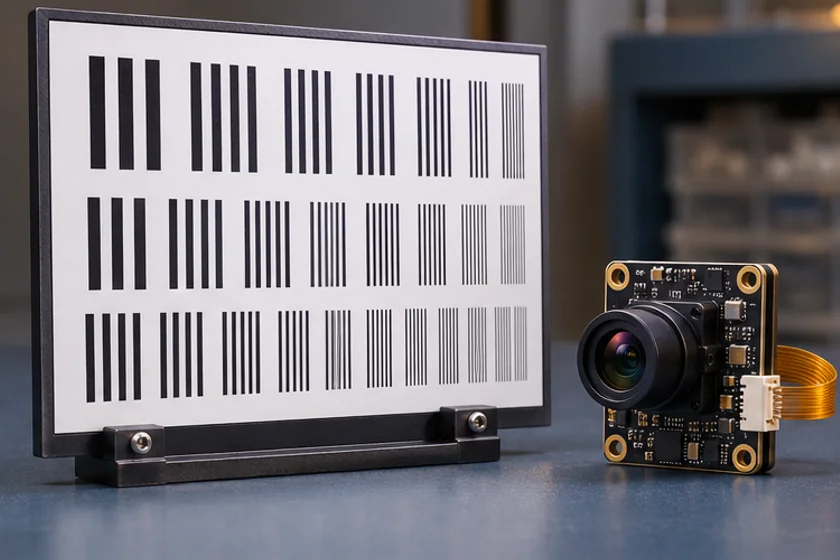
Estimate the data path
For an uncompressed example, multiply image width by height, bits per pixel and frames per second to estimate payload demand. This is a first-pass calculation, not a promise of transport capacity. Protocol overhead, host-controller sharing, buffers and application processing also require attention.
For compressed output, the data volume may vary with the scene and encoding settings. A quiet bench scene does not represent every production image. Record the actual output format and test difficult content, such as texture or movement, rather than assuming one compressed-frame size.
Distinguish capture rate from useful throughput
A capture application may display an average rate while dropping or repeating frames elsewhere in the pipeline. Measure timestamps and sequence continuity where the system exposes them. Determine whether the reported value refers to received frames, decoded frames, displayed frames or processed results.
Run a timed capture with the intended storage and analysis workload enabled. Examine slow intervals as well as the average. A machine that occasionally pauses may fail an inspection task despite meeting an attractive average frame rate.
Include exposure in the comparison
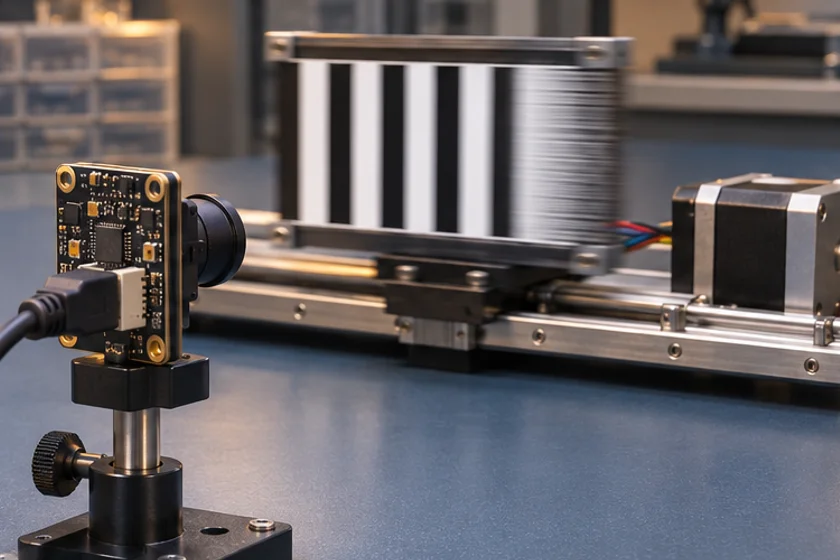
Specify the illumination and exposure behaviour used for rate verification. Automatic exposure can change image brightness and the conditions under which the application obtains useful frames. Ask whether the proposed mode has constraints on exposure settings, and confirm those constraints on the sample.
Higher capture frequency does not automatically freeze motion. The target must remain sufficiently sharp within each exposure. Review this together with the shutter selection guide so the chosen rate addresses the real application requirement.
Record a reproducible benchmark
- Note camera, firmware, cable, host and controller.
- Enumerate and select the complete desired mode.
- Read back the negotiated settings.
- Capture after a defined warm-up period.
- Log received frames, timing gaps and errors.
- Repeat under the intended processor and peripheral load.
- Retain original files and the test script revision.
Set the pass criteria before comparing suppliers. If the application needs less spatial detail but a faster response, quantify that trade-off rather than relying on a headline specification.
Include the accepted mode in the purchase specification and revision record. Ask for confirmation if firmware, lens, cable or interface configuration changes. Review available modules and send the complete mode requirement when requesting a quotation.
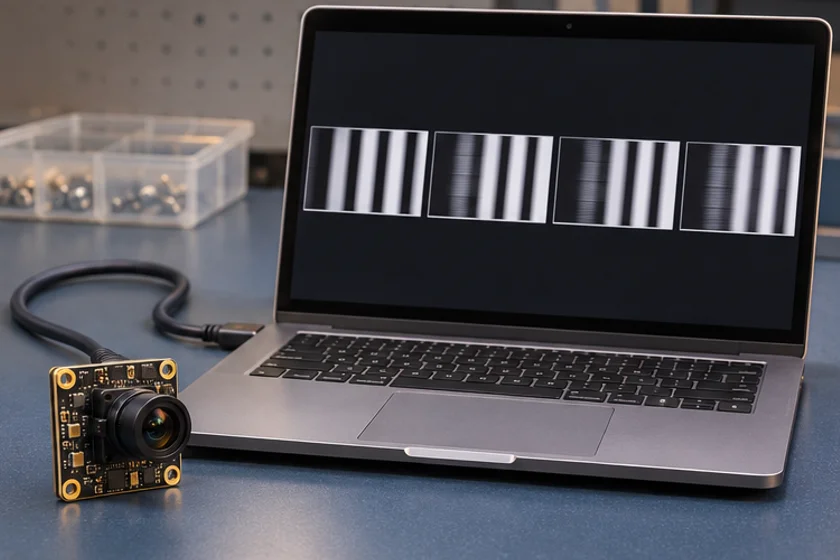
Apply this to a camera module
See the S02-V1 capture mode table for an example of MJPEG and YUV rates at the same resolution.
Technical references
- Record mode combinations
- Check host bandwidth
- Measure delivered frames
- Repeat with exposure fixed
Can I combine maximum resolution and maximum FPS from a product title?
No. Obtain a mode matrix confirming resolution, frame rate, format and interface together.
What rate should an acceptance report measure?
Measure the stage that matters to the application, and distinguish received, decoded, displayed and processed frames.