
UVC Camera Integration on Windows and Linux
Check UVC capture formats, host drivers and camera controls on your target Windows or Linux system before approving a USB module.
Prepared by Honglan Electronics
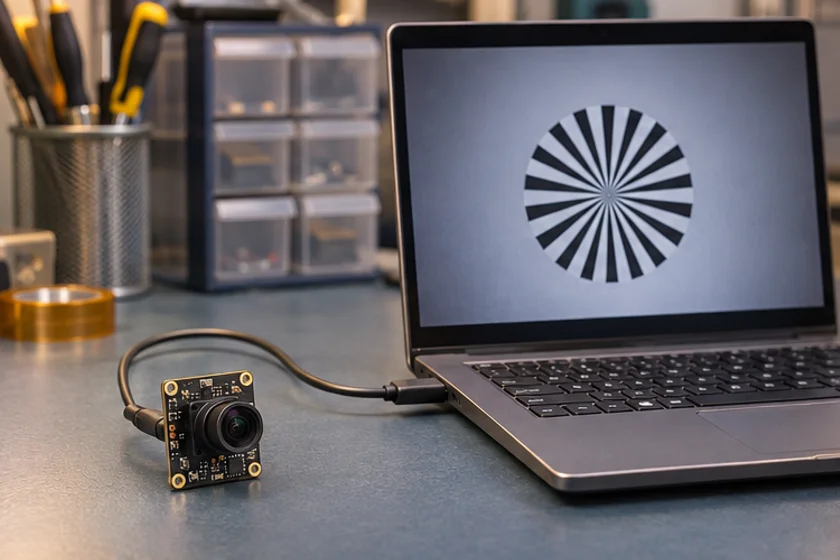
UVC compatibility is a starting point for integration, not a substitute for testing the finished system. A compliant camera can use an operating system's USB Video Class driver, while the capture application still determines which streams and controls users can access. Approve a camera against the exact operating system, hardware and application release that will ship.
Separate the compatibility layers
Record four layers in your test sheet: USB detection, driver binding, stream capture and application behaviour. A device appearing in a hardware list proves only the first part of that sequence. It may still encounter a format mismatch, permissions problem, shared resource limitation or unsupported application control.
Microsoft describes a supplied UVC driver and a camera implementation model with different device capabilities. Use that documentation to frame questions for your Windows integration. Do not extrapolate Windows results to Linux, Android or another system. Each target requires its own evidence.
Test an explicit mode
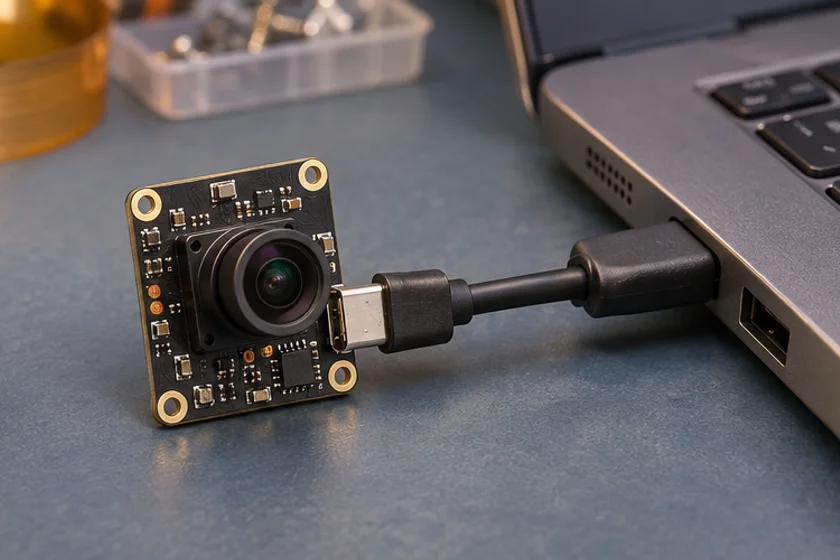
Before testing image quality, establish the desired resolution, pixel format and frame interval. Read back the mode actually selected after opening the stream. Some applications choose a default or silently negotiate a different combination. Your report should distinguish the requested mode from the confirmed mode.
Make a small reference capture with a standard tool and then repeat the test in your own application. If the reference tool works but your application fails, inspect format selection, conversion, buffer handling and permissions before changing hardware. Keep a reproducible command or project revision with the report.
Check controls through the intended API
Create a list of controls the product needs: exposure behaviour, gain, white balance, focus where supported, and any vendor-specific settings. For each control, record whether it is present, readable, writable and retained after reconnecting. A slider displayed by an application does not demonstrate that a setting changed in the camera.
Vendor extension features may require additional software even where ordinary video works through a class driver. Ask for the supported control path and development documentation. Do not label a device incompatible simply because a consumer capture application does not expose an engineering feature.
Exercise the product lifecycle
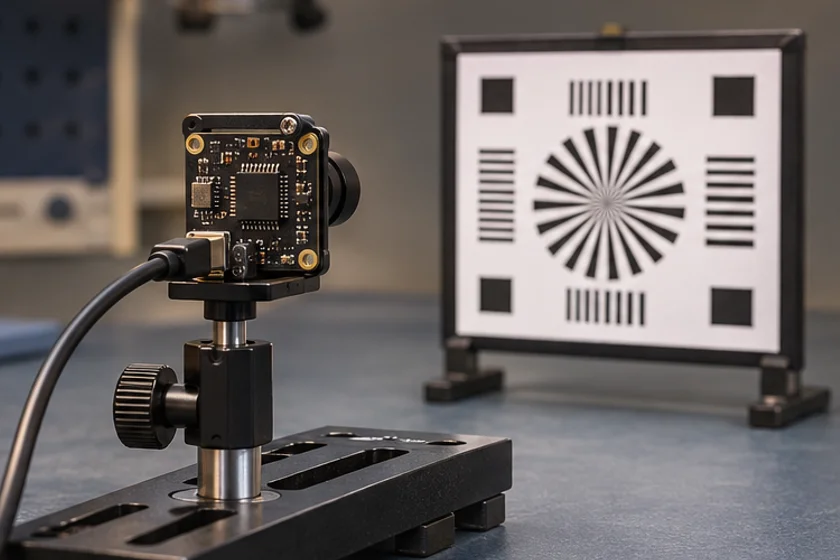
Test cold boot with the camera connected, connection after boot, application restart, repeated stream opening, suspend and resume where relevant, and recovery after a cable is removed. Define how the application identifies the intended camera when several devices are connected. Port ordering alone may be insufficient for your installation.
Include the final USB hub, cable and power arrangement. Repeat long captures while the host performs its intended workload. Record USB resets, dropped frames, capture errors and recovery time. Keep this separate from optical image-quality scoring so the cause of failure remains clear.
Prepare a useful support package
Provide the OS version, host model, connection diagram, camera identity, firmware, requested and negotiated modes, application version and logs. Attach the smallest procedure that reproduces the problem. Remove personal information from captures and logs before sharing.
A statement such as “the image is black” leaves many possibilities open. A report showing successful enumeration, the selected format and a reference-tool comparison gives engineering a practical starting point.
Use the sample test checklist to capture these results consistently. For model-specific confirmation, send your host requirements; do not assume that a general UVC description guarantees optional features on every catalogue product.
Apply this to a camera module
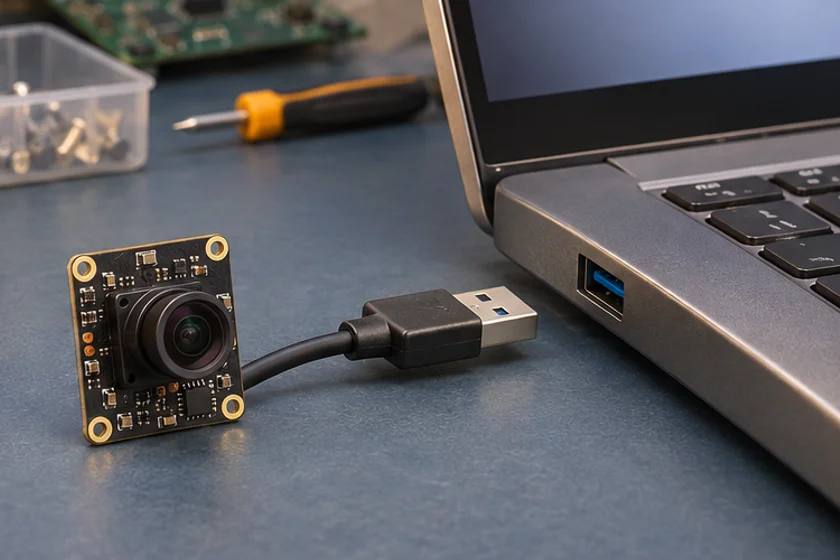
Use the DH-4K-003 UVC module and its 9.9 mm CCM datasheet to plan format negotiation and autofocus checks.
Technical references
- Identify device and driver
- Select the capture mode
- Check required controls
- Test restart and recovery
Does UVC mean no integration work is needed?
No. Class-driver video support still requires testing of modes, application controls, permissions and lifecycle recovery.
Why does a camera work in one application but not another?
Applications can select different modes, expose different controls or use different capture APIs and permissions.