
Which Operating Systems Support USB Camera Modules?
Review operating-system compatibility for USB camera modules and identify the host, application and video mode to test before selecting one.
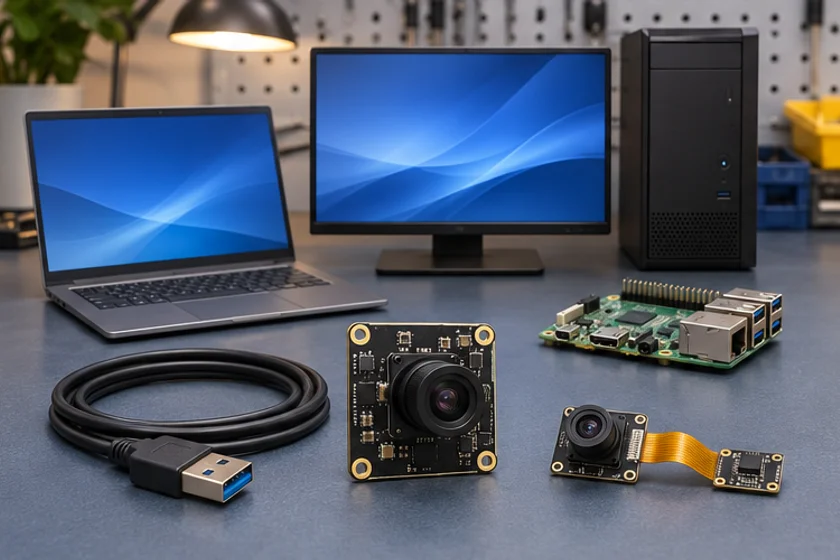
Prepared by Honglan Electronics
Confirm compatibility with the actual host
USB camera compatibility depends on the device implementation, the operating-system driver and the capture application. A UVC description is useful, but does not guarantee that every advertised mode or vendor-specific control is available through every software stack.
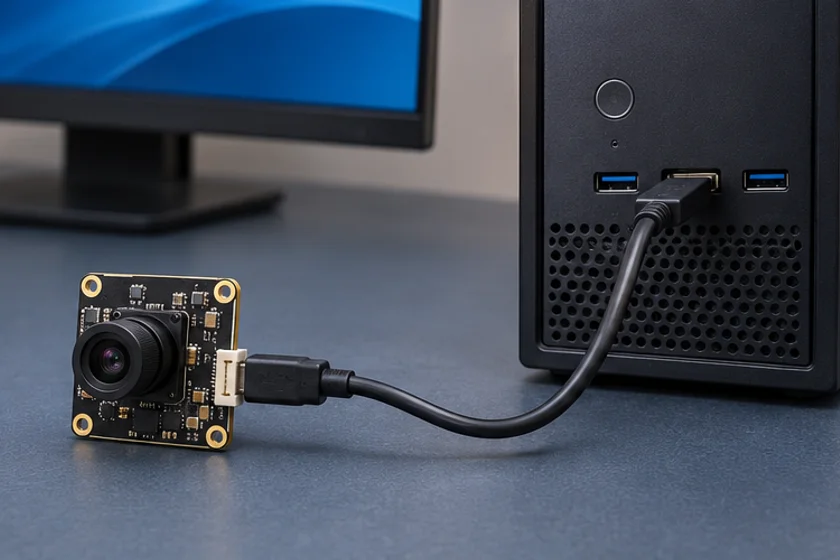
Check capture and controls separately
Record the operating system and version, USB controller and port, cable, capture application, requested image mode and required controls. Check basic device detection before testing image capture. Then verify controls such as exposure or focus only where they are implemented by the selected configuration.
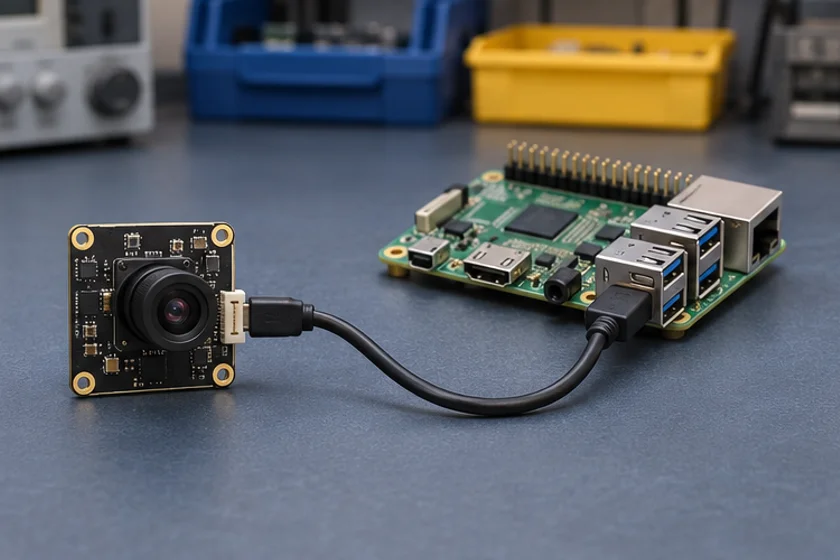
Test the delivered mode
Confirm resolution, format and frame rate together. Record the mode actually negotiated by the application, delivered frames, dropped frames and behavior after unplugging and reconnecting. Host bandwidth, application settings and exposure conditions can affect the observed result.
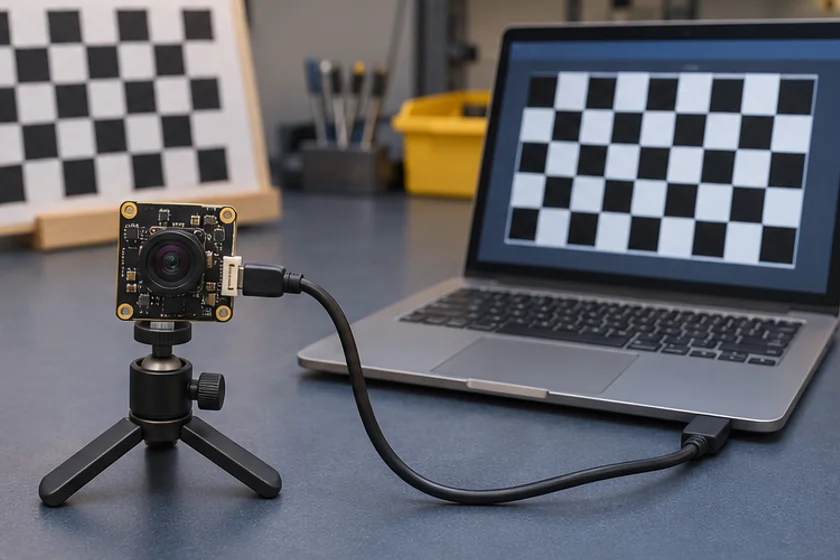
Keep a reproducible integration record
Save device identifiers, firmware revision and test settings. When reporting a fault, include the host configuration and the smallest set of steps that reproduces it. Do not assume that a test on one operating-system version establishes support for all versions or mobile devices.
Read the UVC integration guide, isolate integration faults, or send your system requirements.
Apply this to a camera module
The DH-4K-003 lists Windows, macOS, Linux and Android. Start here for platform selection, then use the UVC integration guide to test a specific host and control.
- Record OS and USB host
- Check device detection
- Verify delivered capture mode
- Test controls and reconnect