
How Camera Image Stabilization Works
Understand how camera movement affects image sharpness and framing, and when mounting or exposure changes can address the problem.
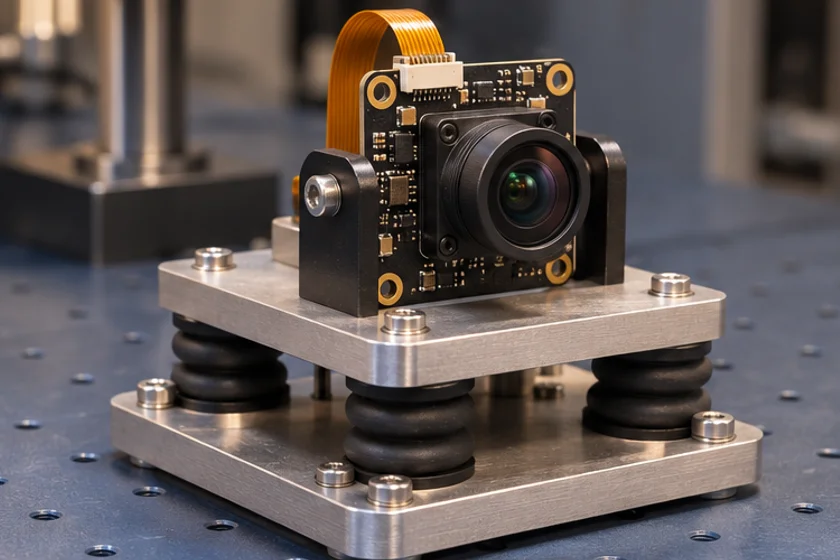
Prepared by Honglan Electronics
Separate stabilization from exposure and shutter selection
Camera movement can affect captured images, but stabilization, shutter timing and exposure address different parts of the problem. Do not infer optical or electronic stabilization from a high frame rate, autofocus feature or global-shutter description. Availability must be confirmed for the exact device and configuration.
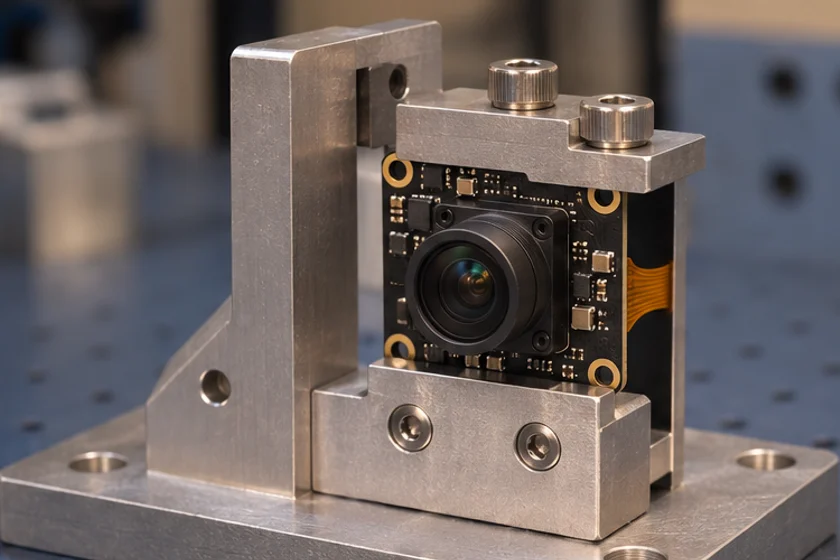
Describe the movement
State whether the camera, subject or both are moving. Document the mounting arrangement, working distance, field of view and available light. Evaluate whether motion blur, geometric distortion or variation in framing is the actual issue before selecting a remedy.
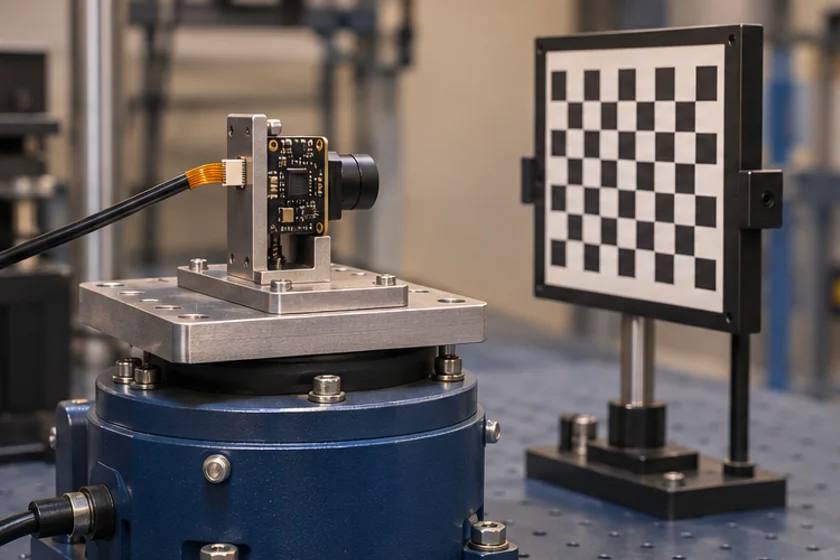
Check the whole installation
Mechanical mounting and cable strain matter to a stable installation. Exposure duration affects blur during movement, while shutter operation affects the timing relationship across an image. Image-processing features may introduce their own constraints and must be tested using the actual camera and software.
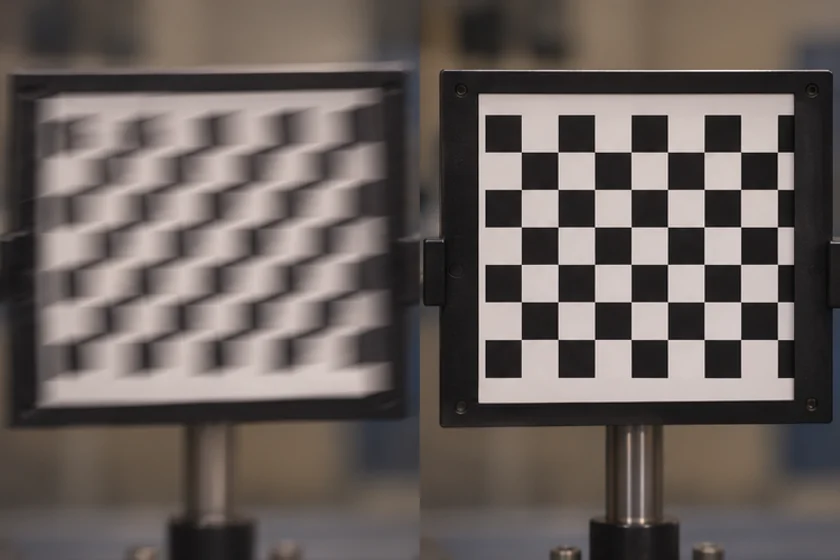
Measure the outcome
Use representative motion and compare results against agreed acceptance limits. Record hardware, firmware, exposure and capture settings. Request documentation for any claimed stabilization feature and verify its behavior with a sample.
Review shutter behavior, plan a sample test, or discuss the installation.
Apply this to a camera module
For a fixed installation, begin with a rigid mount such as the bracket shown on the GC2053 USB camera. Evaluate exposure and mounting before assessing whether your application requires stabilization.
- Identify what moves
- Check mount and cable strain
- Compare exposure settings
- Verify framing and sharpness